An inside look at the move to BUILD with TeamBuildr Customer Success
The legacy Calendar has been home base for TeamBuildr coaches since the beginning. At the end of September, it retires for good, and BUILD takes its place. For coaches who have built a decade of programming habits inside that calendar, the word "sunset" can be hard to swallow.
So we sat down with Amanda from our Customer Success team, the person who spends her days walking coaches through this exact transition, to talk about why the change happened, what coaches are actually gaining, and what she tells the ones who are nervous about it.
Her track record so far: not one coach has finished a walkthrough call and asked to go back to legacy.
Why the Calendar Had to Go
The Calendar is the backbone of TeamBuildr and one of the first things to be built. It wore the badge of being the ultimate utility for 14 years. With that job, like strength and conditioning, it came with a lot of “other duties as assigned”. Over the years, it’s undergone so many tweaks, additions, and revisions: so much so that it’s become difficult to update and continue to evolve to our customers’ needs and feature requests. When your product roadmap relies entirely on customer feedback, this is hard to operate with.
BUILD is an entirely new system to accommodate the needs of our coaches. This allows us to have quicker response times and more pointed adjustments. This also opens the door for more advancement in allowing key features like RPE and RIR prescriptions to be added. Changes to SAQc prescriptions that have long been called for.
It wasn't so much a change just for change; it was a natural evolution of our software that allows us the flexibility to continue serving an evolving profession.
Built for the Way Coaches Actually Work
Ask Amanda what coaches get most excited about, and she doesn't hesitate: speed. Every improvement in BUILD targets the same three problems coaches had with the old calendar. Too many clicks. Too many workarounds. Too much time at the computer instead of on the floor.
Week View and Progression View
Amanda calls the week view her favorite, and the progression view is where programming gets fast. Running a Monday protocol across a training block? Filter to just your Mondays, and your whole progression is in front of you.
Hotkeys
This is the feature Amanda sees the most excitement about on calls. Copy a full day of programming with Command+C, place it exactly where you want it with Command+V, delete with Command+D. In legacy, copying a week of training meant finding the program start date, running the copy and paste process, double-checking you picked the right week and the right calendar, and often realizing you got one of them wrong. In BUILD, it's two keystrokes.
.gif)
Program at the speed of thought
Copy a day with ⌘C, drop it wherever you want with ⌘V, delete with ⌘D. What used to be a multi-step process of finding dates and double-checking calendars is now two keystrokes.
Saved Programs, Front and Center
Programs existed in legacy, but they were buried, and many coaches never knew they could save their programming at all. BUILD puts calendars and programs side by side the moment you log in. Save a block once, then drag it from your library and drop it on whatever start date you want. No more copy and paste marathons.
Your library, one drag away
Calendars and programs live side by side from the moment you log in. Save a block once, then drop it on any start date you want. No more copy and paste marathons.
The Undo Button
The most requested feature in TeamBuildr history is here. Delete something by mistake and bring it right back. Amanda's team is starting with deleted items and expanding from there, so bigger mistakes become reversible over time.
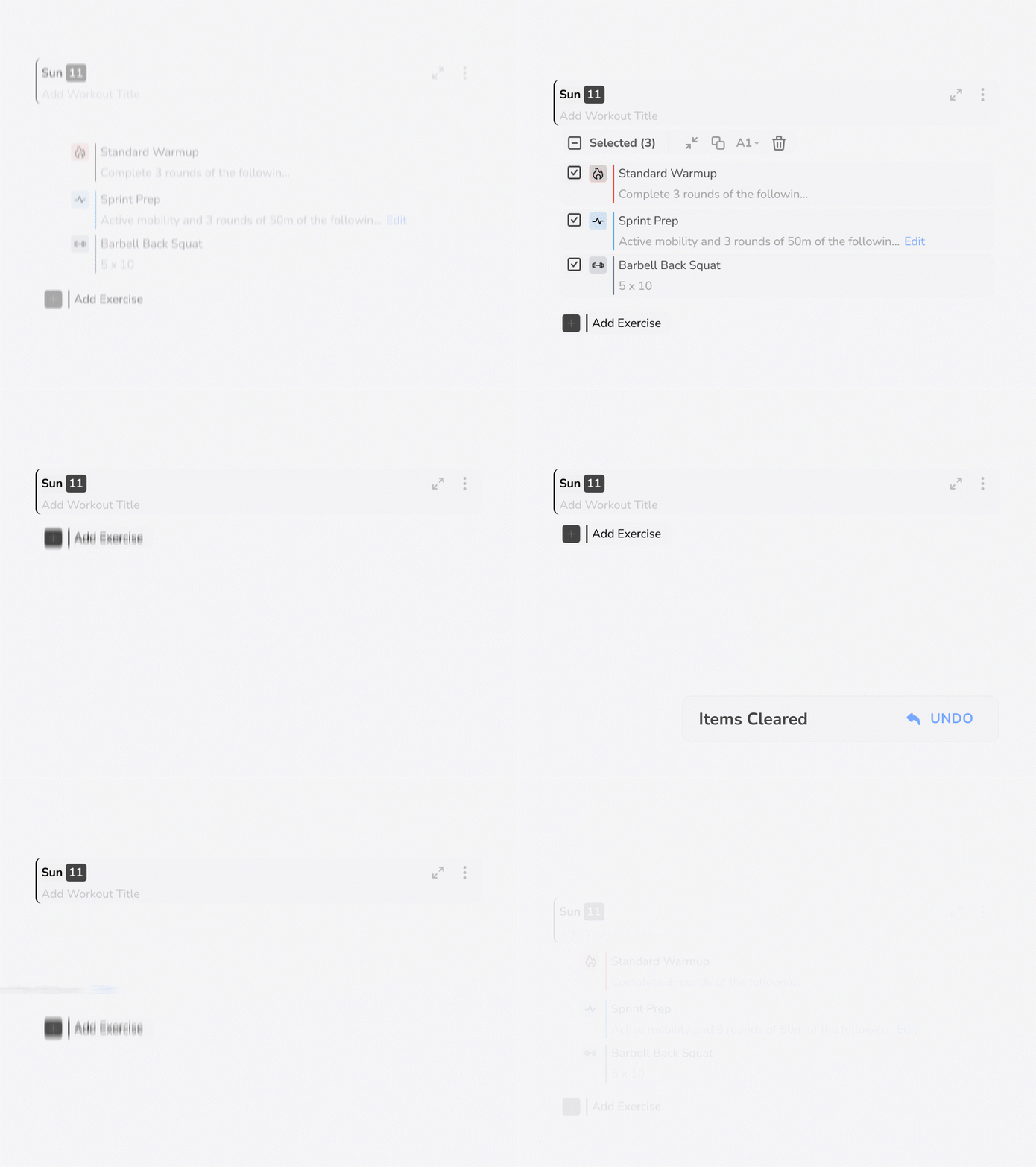
The most requested feature in TeamBuildr history
Delete something by mistake and bring it right back. The team is starting with deleted items and expanding from there, so bigger mistakes become reversible over time too.
Old Features, Rebuilt Better
Feature parity is the question behind most of the apprehension, and the honest answer is that everything coaches rely on is in BUILD. Some of it just got better in the move.
Recurring items now update for a specific number of occurrences. Legacy forced you to update all future occurrences or nothing. If you only want the next two weeks to change, BUILD lets you do exactly that.
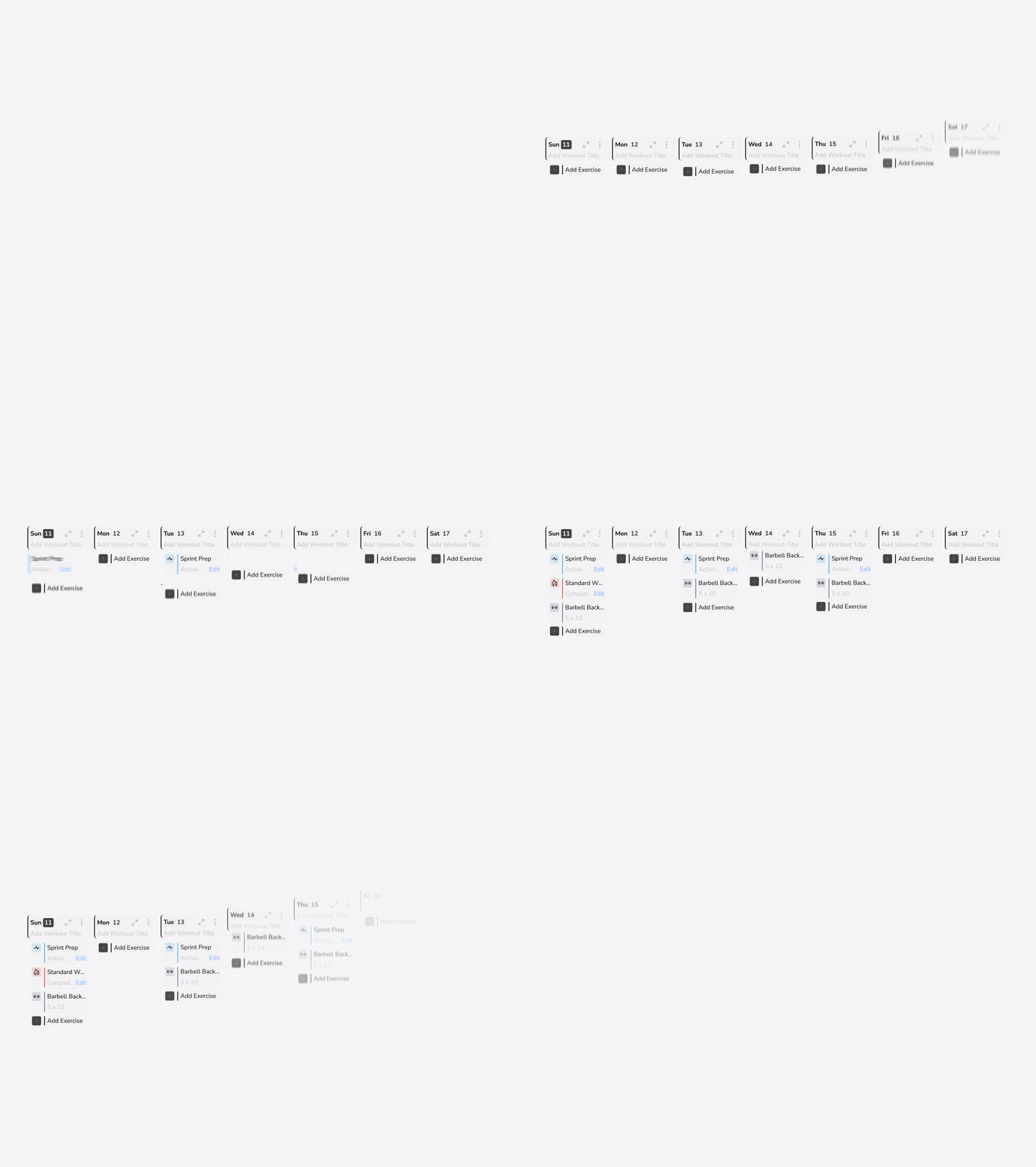
Update exactly what you mean to
Change the next two weeks of a recurring item without touching the rest of the block. Legacy only gave you all future occurrences or nothing. BUILD lets you pick the number.
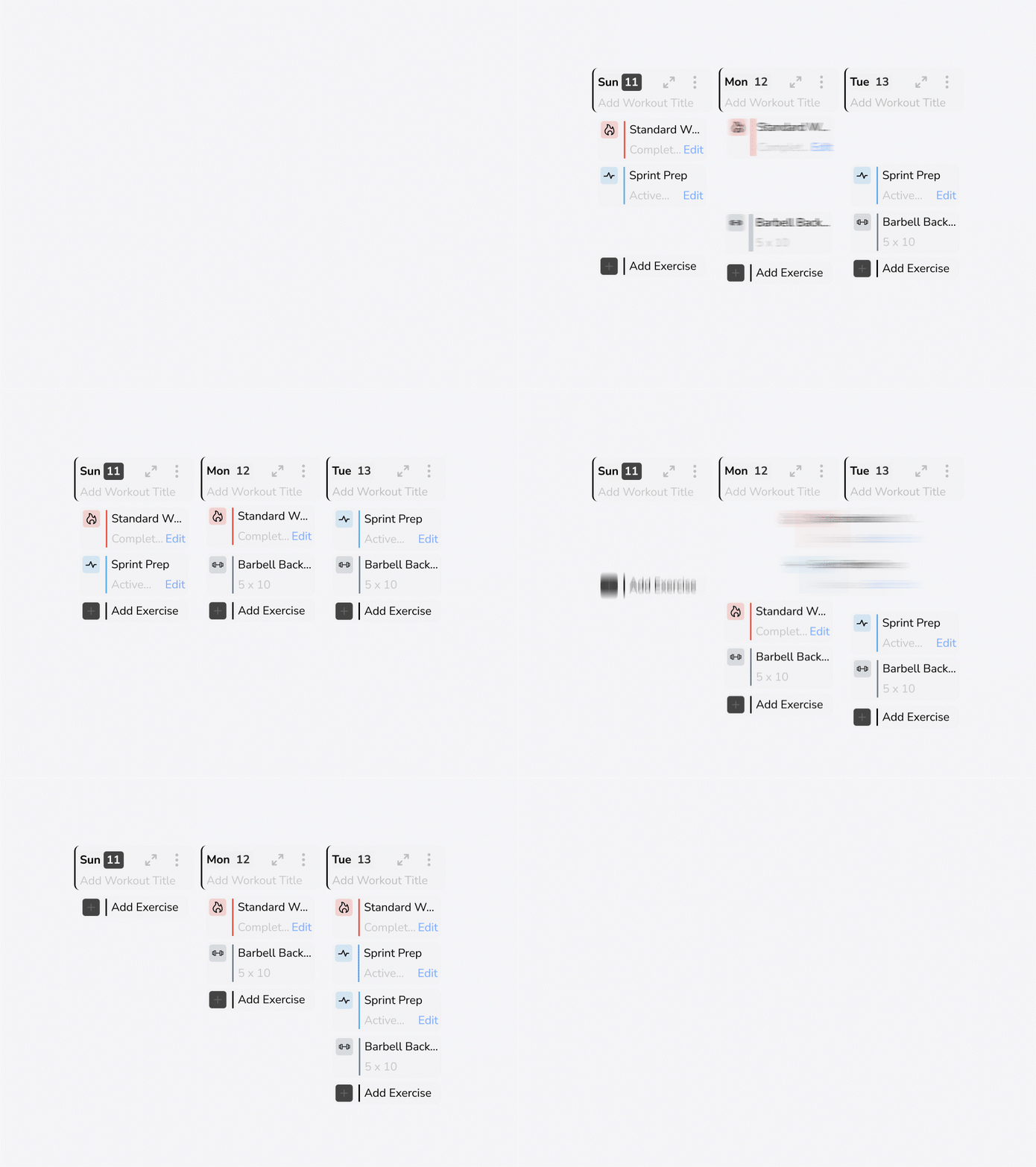
Session breaks now hold the whole workout together. Every item under a session break becomes part of it, which means you can grab the break and drag the entire day somewhere else. Lift got bumped from Monday to Wednesday because practice ran long? One drag. Done.
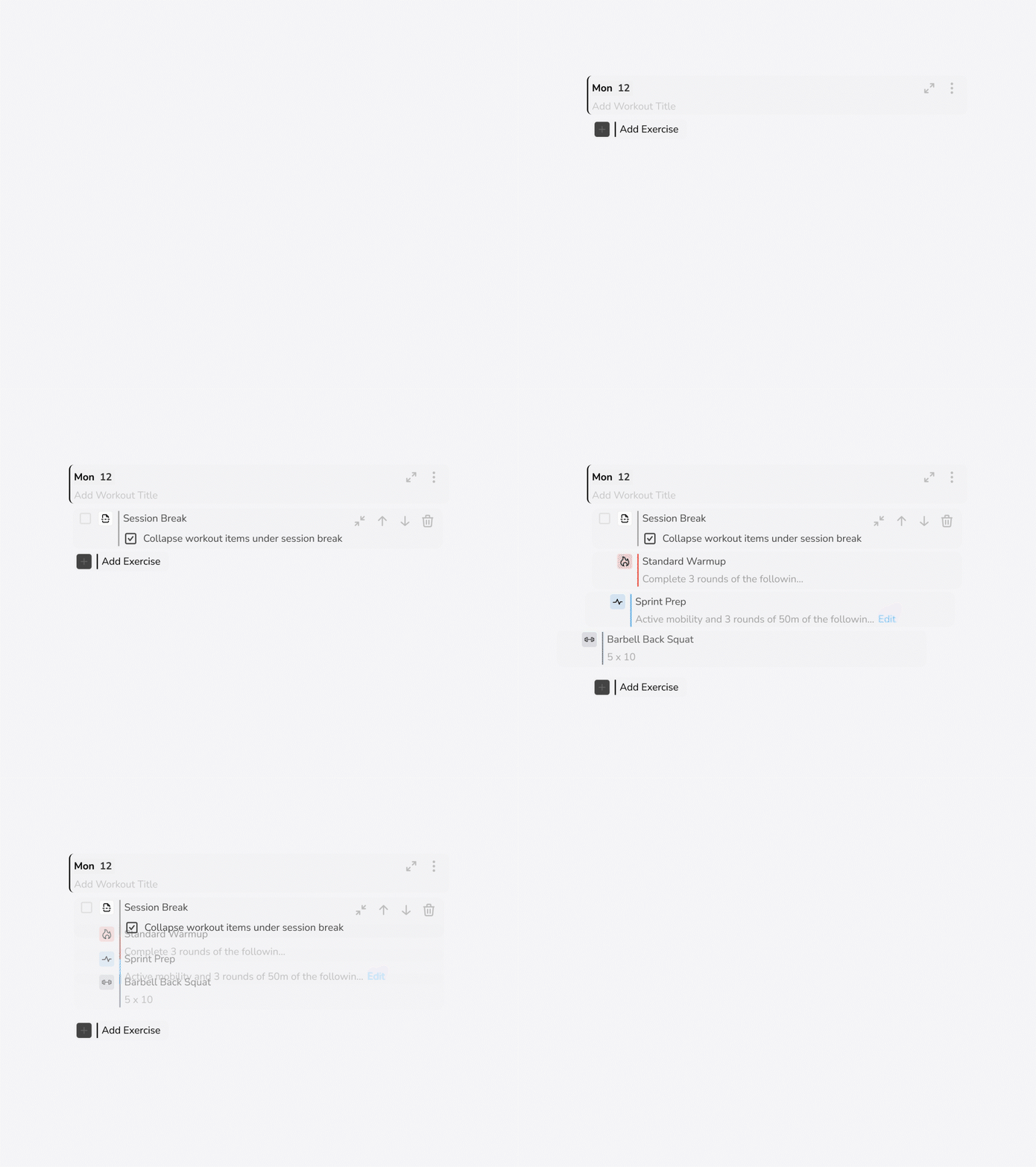
Grab the break, move the whole day
Every item under a session break moves with it. Lift got bumped from Monday to Wednesday because practice ran long? One drag. Done.
And for the coaches wondering: the copy and paste function is still there. Nothing was taken away. You just have faster ways to accomplish the same goal now.
The Transition Takes One Call
Here's the part that surprises most coaches: the move to BUILD is automatic. Everything is backwards compatible. Your programming, your history, all of it is already in BUILD, exactly how you left it. One coach got on a call with Amanda convinced he needed to rebuild everything, and she showed him his programming from last August sitting right there waiting for him.
"You can go to BUILD, click to your calendar, click back to whatever day you last programmed, and it'll be just like you left it in legacy," Amanda said.
Learning the new layout takes one call. Amanda pulls up legacy and BUILD side by side, asks the coach what they're trying to accomplish, and shows them how to do it in the new interface. The tools are all there. They just live in slightly different places. Once coaches see their normal process running faster than before, the apprehension is gone.
Apprehensive? Amanda Has the Solution.
"Let's hop on a call."
That's her answer, every time. Share a screen, walk through your current process step by step, and figure out how it works in BUILD together. That's what unlimited customer support means at TeamBuildr, and it's exactly what the CS team is here for between now and beyond the release.
Coaches don't miss the legacy Calendar once they see what replaced it. They miss the time they spent working around it.
Customer Success at TeamBuildr

Amanda Kelso
Senior Customer Success Manager
Started as a Sports Performance Intern at Yale, then spent two years as a Graduate Assistant at Boston University serving as head strength coach for tennis and golf. She draws on that coaching background and nearly a decade of customer-facing experience to support coaches and help shape product development.
M.Ed. in Applied Human Development (Sports Coaching), Boston University. B.S. in Exercise Science, Southern Illinois University.

Colin Snyder
Customer Support Manager
Coached at Louisiana Tech, Arkansas State, and UT Arlington across baseball, basketball, and golf before joining TeamBuildr. Today he supports coaches by troubleshooting issues, working with the development team, and partnering with QA on app testing.
B.A. in Exercise Science (Strength & Conditioning), Northwestern College. M.S. in Applied Exercise Science, Concordia University Chicago. CSCS.

Andrea Alamo
Customer Support Manager
Worked as a personal trainer and coach at 410 Fitness before buying the gym in 2020 and leading it through the pandemic. She still oversees the coaches who run it today, and used TeamBuildr Strength and OS herself long before she started supporting it.
Brings firsthand experience as both a coach and a customer, and combines her passion for coaching and sports performance to strengthen the customer experience at TeamBuildr.

Quinn Kastle
Customer Success Manager & Billing Specialist
Worked with 15 different college sports, plus tactical and high school athletes, before joining TeamBuildr. He now helps gym owners get the most out of TeamBuildrOS and supports customers through billing and payments.
B.S. in Exercise Science. CSCS.

Brian Szutkowski
Director of Customer Success
Has led the Customer Success team since 2021 and still coaches today, on top of eight years coaching at the collegiate and private level. That hands-on background shapes how he helps teams get the most value out of TeamBuildr.
M.S., CSCS, RSCC, and USATF-L1 certified. Coached five years at the NCAA Division I level at Elon University, winning nine conference championships, plus a Division II national championship.

Evan Lodder
Sr. Customer Success Manager
Spent five years as the Sports Science Coordinator for the Arizona Cardinals, bridging sports science technology with practical, on-field training, before joining TeamBuildr. He draws on that elite-level experience to help coaches get the most out of the platform.
M.S. in Health Promotion, Mississippi State University. B.S. in Exercise Physiology, West Virginia University. CSCS.

Creating Flow in your Strength & Conditioning Program

Frontal Plane Fundamentals