.png?width=40&height=40&name=Logo%20(1).png)
In the modern gym software landscape, many platforms are moving away from bloated legacy systems and toward simpler, more affordable tools.
Two platforms that often come up in that conversation are Gymdesk and TeamBuildr OS.
Both aim to simplify gym operations by focusing on essential tools like:
- Membership management
- Billing and payments
- Class scheduling
- Member communication
But while these platforms share a similar philosophy around simplicity and pricing transparency, they are built for very different types of gyms.
Understanding those differences can help gym owners choose the right operating system for their business.
The Core Difference: Who the Software Is Built For
The biggest distinction between these platforms isn’t just features, it’s who the product is designed to serve.
|
Platform |
Primary Focus |
|
TeamBuildr OS |
Coaching gyms, strength programs, performance facilities |
|
Gymdesk |
Martial arts schools, small gyms, membership clubs |
Gymdesk has historically been popular with martial arts academies and belt-based training systems, offering tools like attendance tracking and progress ranking for students.
Meanwhile, TeamBuildr OS is designed around the workflows of coaches running strength programs and group training gyms.
That difference shows up in how each platform approaches scheduling, member experience, and daily operations.
Feature Comparison
|
Feature |
TeamBuildr OS |
Gymdesk |
|
Class Scheduling |
✅ Built for coaching gyms |
✅ Class scheduling included |
|
Membership Management |
✅ |
✅ |
|
Automated Billing |
✅ |
✅ |
|
Member Portal |
✅ |
✅ |
|
Attendance Tracking |
✅ |
✅ |
|
Coaching & Performance Tools |
✅ Built into ecosystem |
❌ Not a core focus |
|
Ranking / Belt Tracking |
❌ |
✅ Martial arts-specific |
Gymdesk provides tools like attendance tracking, progress ranking, and member portals, which are especially helpful for martial arts schools and training academies.
TeamBuildr OS instead focuses on the operational workflows of coaching gyms, where class management, member experience, and program delivery matter most.

Pricing Comparison
Pricing is an area where both platforms compete strongly compared to legacy gym software.
Gymdesk Pricing
Gymdesk uses member-based pricing tiers:
|
Plan |
Monthly Price |
Member Limit |
|
Micro Gym |
$75 |
Up to 50 members |
|
Small Gym |
$100 |
Up to 100 members |
|
Medium Gym |
$150 |
Up to 200 members |
|
Large Gym |
$200 |
Up to 400 members |
All features are included at every pricing tier, with costs increasing only as membership grows.
TeamBuildr OS Pricing Philosophy
TeamBuildr OS takes a different approach by focusing on simple operational pricing built for coaching gyms, rather than scaling purely on member counts.
For gyms focused on coaching services rather than large memberships, this model can create more predictable operating costs as the business grows.
Simplicity vs Specialization
Both platforms avoid the enterprise bloat common in legacy gym software.
But they simplify in different ways.
Gymdesk Simplifies By:
- Offering all features in every pricing tier
- Scaling price based on number of members
- Providing built-in tools like a gym website and referral tracking
TeamBuildr OS Simplifies By:
- Designing workflows specifically for coaches
- Prioritizing speed and usability for staff
- Integrating directly with coaching and programming systems
This makes TeamBuildr OS particularly attractive for:
- Strength and conditioning gyms
- Performance facilities
- Hybrid coaching businesses
- Group training gyms
Where Gymdesk Excels
Gymdesk is a strong choice for gyms that need:
- student ranking systems
- martial arts belt tracking
- large membership rosters
- simple member-count pricing
For these businesses, Gymdesk provides an affordable and straightforward solution.
Where TeamBuildr OS Stands Out
TeamBuildr OS becomes the stronger choice for gyms that prioritize:
- coach workflows
- performance-driven training environments
- program delivery and athlete management
- streamlined operations for coaching teams
Rather than trying to serve every membership business, TeamBuildr OS focuses on being the operating system for coaching gyms.
The Bottom Line
Both TeamBuildr OS and Gymdesk represent the shift toward simpler, more transparent gym software.
But their strengths lie in different areas.
Choose Gymdesk if you run:
- Martial arts schools
- Belt-based training academies
- Large membership-driven gyms
Choose TeamBuildr OS if you run:
- Strength gyms
- Coaching-focused businesses
- Performance training facilities
- Hybrid training operations
The best gym software isn’t the one with the most features.
It’s the one designed for how your gym actually operates.

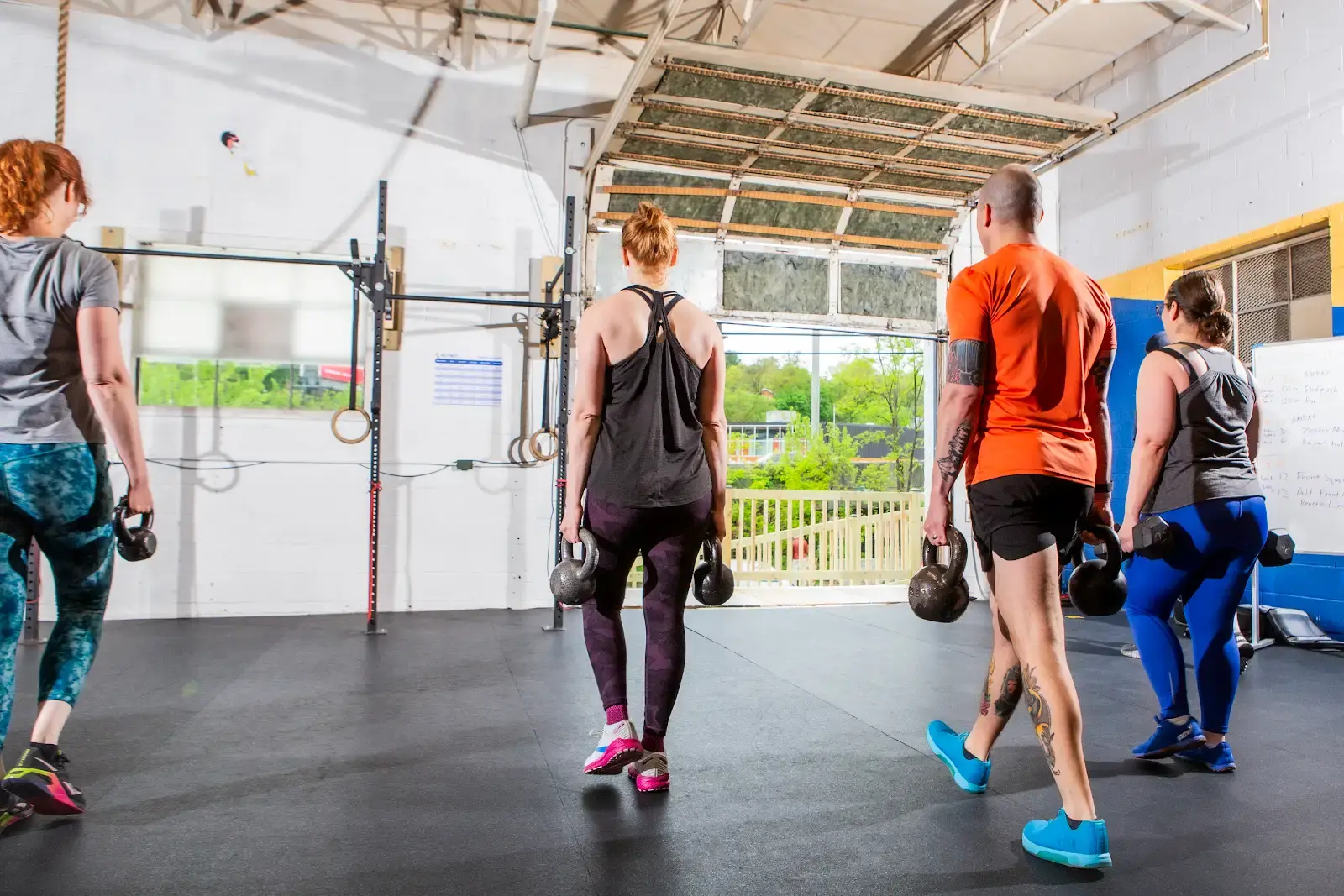
Case Study: How Andrea Alamo Scaled with TeamBuildr Strength + OS
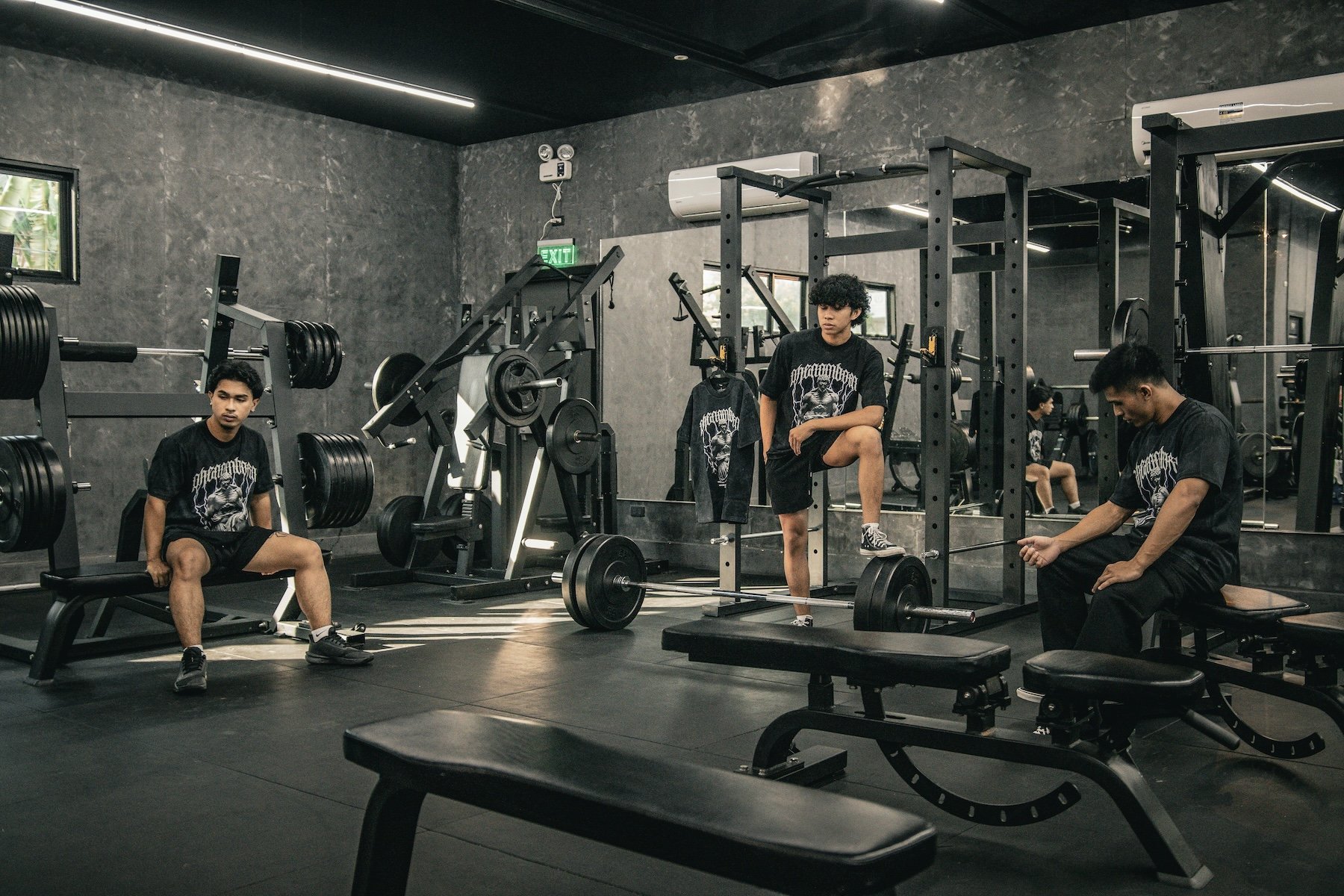
Case Study: Why Gym Owners Are Choosing TeamBuildr OS Over Mindbody